
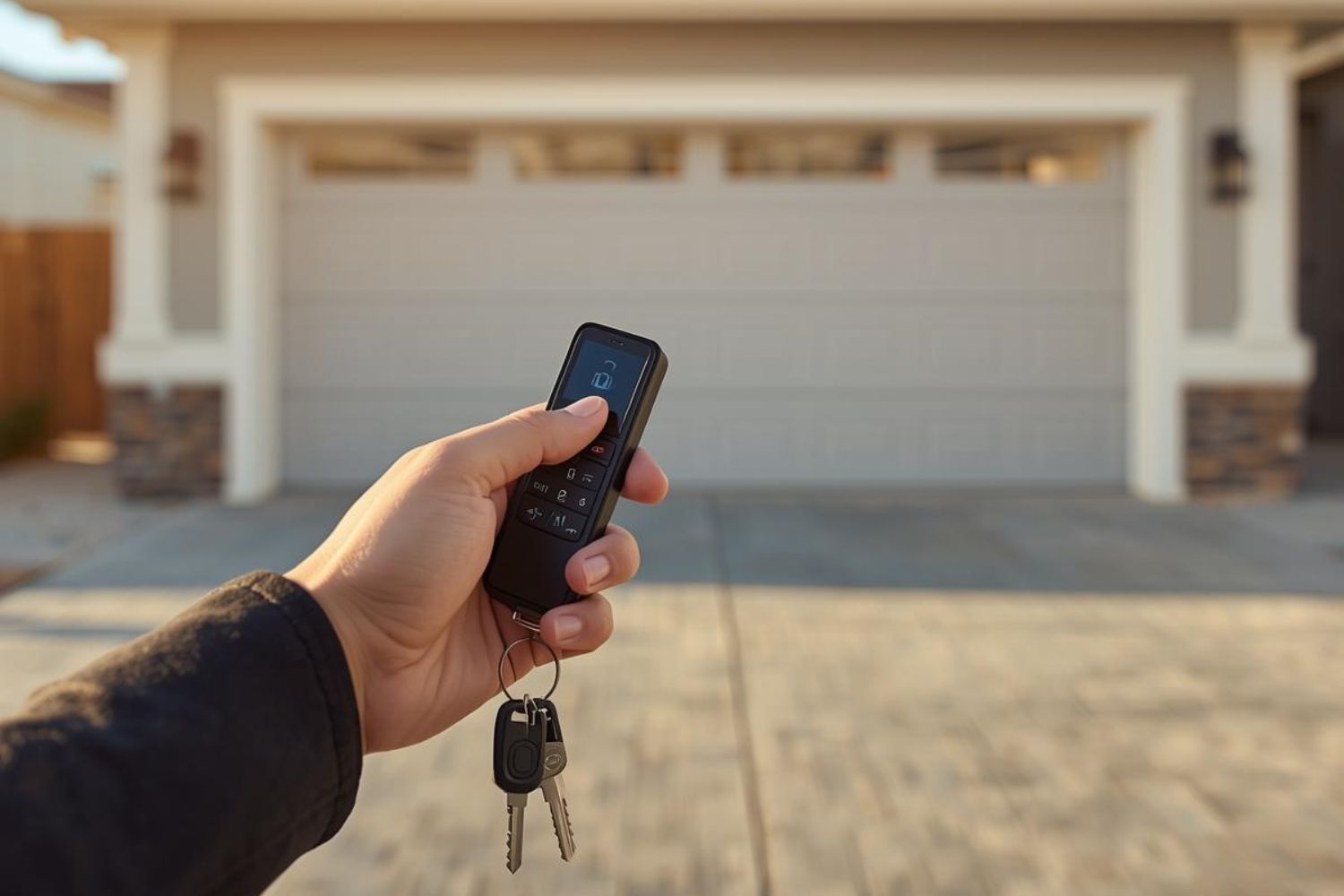
Lost Garage Door Opener Remote? Here’s What to Do
Losing a garage door opener remote is more common than you might think. Whether it’s slipped out of your bag, got misplaced during a move, or simply stopped working, a missing remote can feel like a big inconvenience—and even a security risk. After all, your garage is often the main entry point to your home.
If you’re dealing with a lost garage door opener remote, don’t panic. There are several steps you can take to regain access to your garage, protect your home, and prevent future issues. In this guide, we’ll walk you through the immediate actions you should take, how to replace or reprogram your remote, and what security measures to consider.
Step 1: Don’t Panic—Check for a Backup
The first thing to do when you realize you have a lost garage door opener remote is to stay calm. It’s easy to jump to worst-case scenarios—like someone finding the remote and using it to access your home—but in most cases, the situation is less urgent than it feels. Many garage door systems are designed with backups and redundancies to keep you from being locked out.
Start by checking the obvious places: your car’s center console, glove box, or under the seats. Many homeowners keep an extra remote in a second vehicle, a key drawer, or even in a work bag or purse without realizing it. If you do locate a spare, you can continue using it until you’re ready to disable the missing one and order a replacement.
If you don’t find a physical backup remote, don’t worry—you may still have options. Newer garage door openers often come with built-in keypad entry systems mounted outside the garage, allowing you to type in a secure code for access. This can be a lifesaver if you’ve lost your remote but need to get inside quickly.
Pro Tip: Many modern garage door openers are now Wi-Fi enabled, which means you can connect them to a smartphone app like myQ (for LiftMaster and Chamberlain openers) or Genie’s Aladdin Connect. These apps allow you to use your phone as a digital remote, giving you instant access without needing to rely on a physical device. If your opener is compatible, download the app, set up the connection, and you’ll never have to worry about being locked out again.
By checking for backups and exploring digital solutions, you can often regain access to your garage within minutes—no stress required.
Step 2: Disable the Lost Remote
Once you’re certain that your lost garage door opener remote isn’t going to turn up, your next priority should be security. A misplaced remote isn’t just an inconvenience—it can become a vulnerability if it ends up in the wrong hands. Think of it like losing a house key; anyone who finds it has potential access to your home.
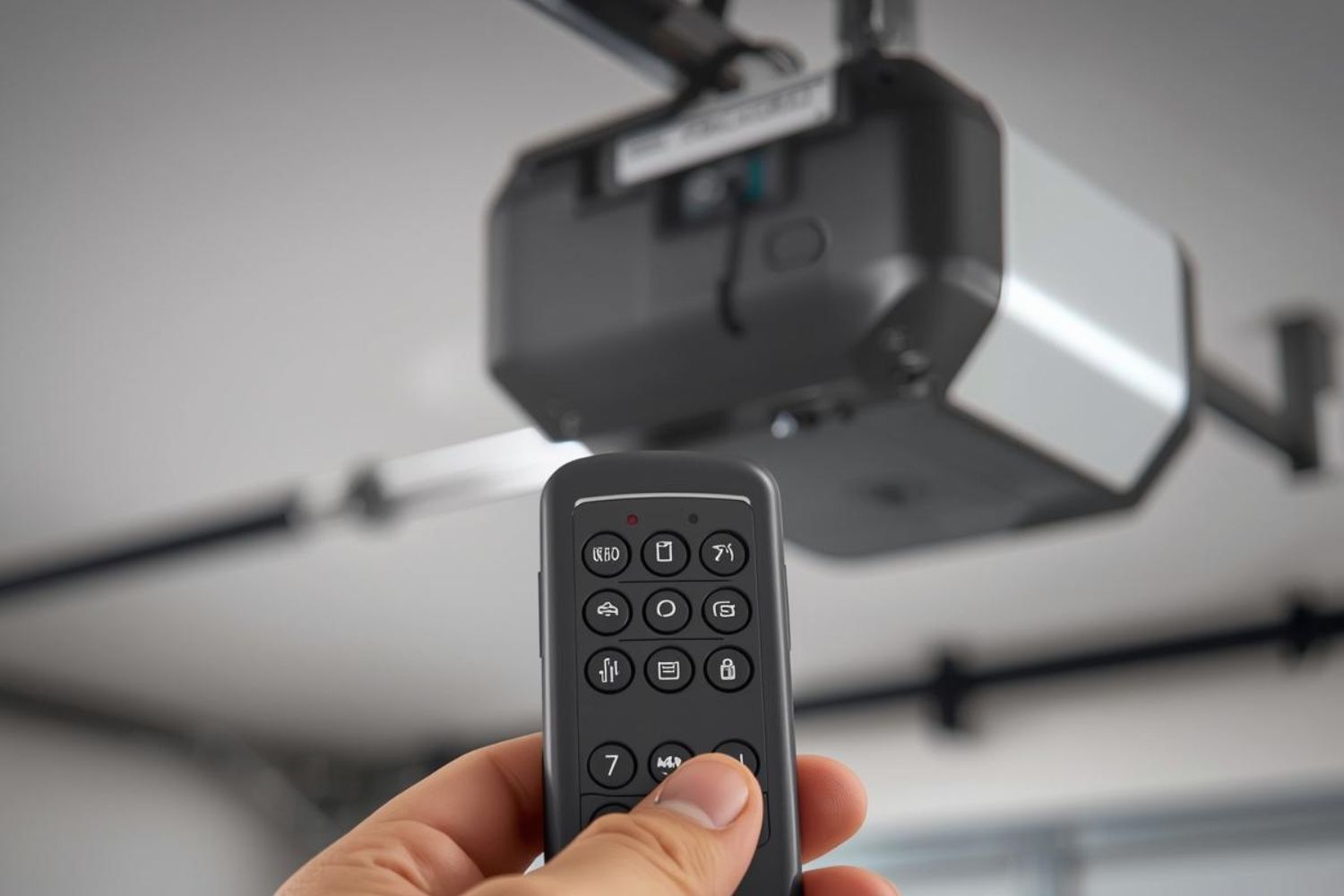
The good news is that most modern garage door openers give you the ability to disable a missing remote quickly. Look for the “Learn,” “Smart,” or “Program” button on the motor unit (usually mounted on the ceiling of your garage). By holding this button down for several seconds, you can erase all currently programmed remotes from the system’s memory.
This reset ensures that your lost remote will no longer operate the door, even if someone tries to use it. After clearing the system, you can reprogram only the remotes you still have in your possession.
Why It Matters: Disabling the lost remote gives you peace of mind. You can go about your day knowing that your home is secure and that no one can gain unauthorized access through your garage.
Step 3: Reprogram Your Opener
After disabling the missing remote, the next step is to reprogram your system to accept the remotes you still have—or any new replacements you purchase. This process varies slightly depending on your garage door opener’s brand and model, but it typically involves just a few simple steps.
- Press the “Learn” or “Program” button on the opener unit.
- Within 30 seconds, press the button on your remote control.
- Wait for the opener’s light to blink or for it to make a clicking sound, which indicates successful programming.
This process is quick and straightforward, but it’s also one of the most important steps you can take after losing a remote. Reprogramming ensures that only authorized remotes can control your door.
Pro Tip: If you no longer have the manual for your opener, don’t worry. Most manufacturers, including LiftMaster, Genie, and Chamberlain, offer downloadable manuals and instructions on their websites.
Step 4: Order a Replacement Remote
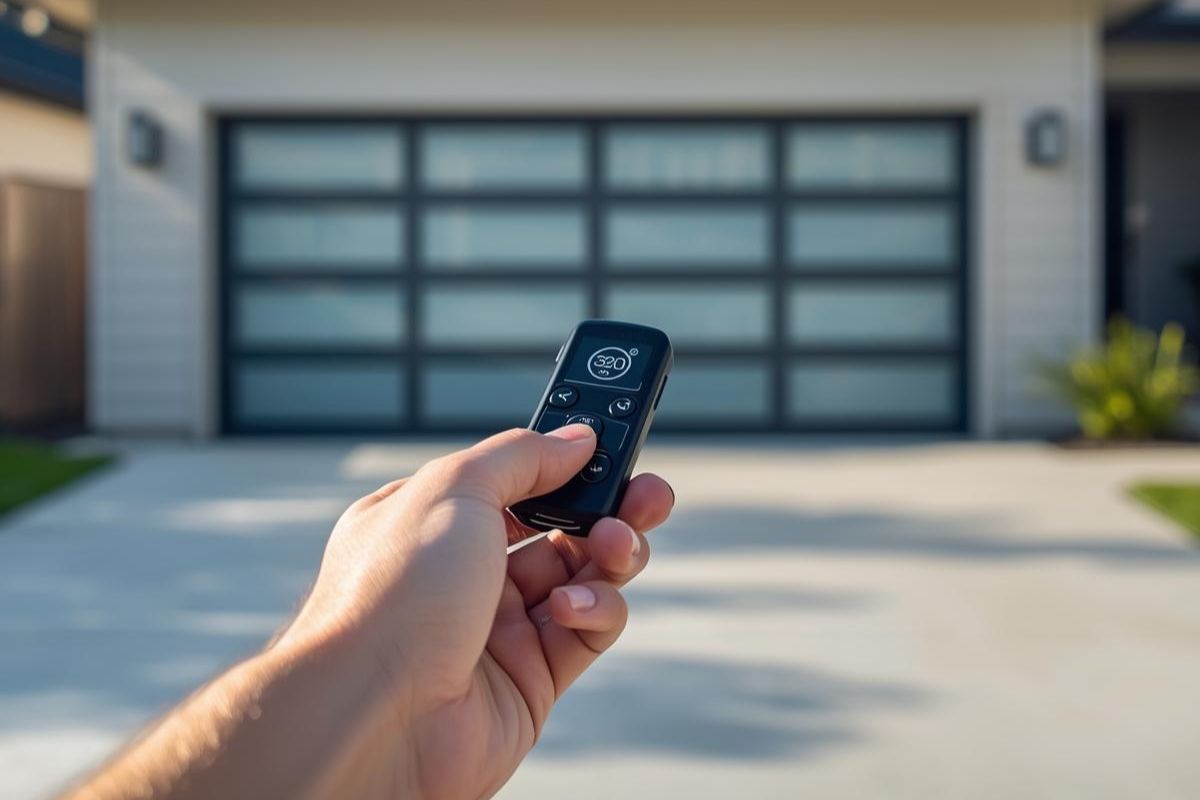
If you don’t have a backup, ordering a replacement remote should be your next priority. The right option for you depends on your garage door opener’s age, brand, and features.
- Manufacturer Remotes: The safest bet is to purchase a remote directly from your opener’s manufacturer. These are guaranteed to work with your system and often come pre-programmed for your specific model.
- Universal Remotes: For a more affordable option, universal garage door remotes are widely available at hardware stores and online. These can be programmed to work with most major brands.
- Smart Controllers: If your opener doesn’t support Wi-Fi, consider upgrading with a smart garage door controller. Devices like myQ Smart Garage Hub let you open and close your garage using your smartphone, adding a layer of convenience and security.
Cost Considerations: Replacement remotes generally cost between $25 and $60, while universal remotes are often cheaper. Smart controllers, depending on the brand, can range from $50 to $150 but offer more advanced features.
Step 5: Consider Security Upgrades
Losing a remote may feel like a one-time hassle, but it’s also an opportunity to boost your home’s security. Garage doors are one of the most common entry points for intruders, so upgrading your system can give you long-term peace of mind.
Here are some upgrades worth considering:
- Rolling Code Technology: Modern remotes generate a new access code every time they’re used, making it nearly impossible for intruders to duplicate your signal.
- Keypad Entry Systems: A wall-mounted keypad lets you open your garage with a secure PIN code. It’s a convenient backup if you misplace your remote again.
- Smart Garage Door Openers: These systems connect to your Wi-Fi network and can be controlled via smartphone apps. You’ll receive notifications if your door is left open, and you can even operate it remotely while away from home.
- Integrated Security Cameras: Some newer systems allow you to monitor your garage in real time, adding another layer of protection.
By turning a lost remote situation into a chance to upgrade, you’re not just solving today’s problem—you’re also making your home more secure for the future.
How to Prevent Losing Your Garage Door Opener Remote
Losing a garage door remote once is frustrating—but losing it multiple times can be downright exhausting. The good news is that with a few simple strategies, you can drastically reduce the chances of misplacing it again.
Here are some practical ways to keep track of your remote and avoid future headaches:
- Designate a Storage Spot – Always place your remote in the same location, whether it’s your car’s visor, center console, or a small bowl near the entry door. Consistency makes it far less likely to go missing.
- Use a Keychain-Style Remote. – Many garage door openers offer smaller, keychain-sized remotes. By keeping it attached to your house or car keys, you’ll naturally carry it everywhere and reduce the risk of loss.
- Invest in a Key Finder or Bluetooth Tracker – Devices like Tile or Apple AirTag can be attached to your remote. If it gets misplaced, you can locate it using your phone in seconds.
- Set Up Smart Garage Access – The most foolproof method is to switch to a smartphone-based opener app. Systems like myQ or Aladdin Connect eliminate the need for a physical remote entirely, so you’ll never have to worry about losing one again.
- Keep a Backup in a Secure Location – Even if you primarily use one remote, store a spare in a locked drawer at home. That way, if your everyday remote goes missing, you’ll have immediate access without the stress.
Pro Tip: If you live in a multi-driver household, assign specific remotes to each family member and label them. Clear ownership reduces mix-ups and misplaced devices.
When to Call a Professional
While many issues with a lost garage door opener remote can be handled on your own, there are times when calling a professional is the smarter—and safer—choice. Garage door systems combine electrical components, mechanical parts, and safety features that need to work together seamlessly. If something feels overwhelming or doesn’t work as expected, expert help can save you time, stress, and money.
Here are some situations where calling a garage door professional is the best move:
- Your opener won’t reprogram correctly. If you’ve followed the instructions but your new or existing remote still won’t connect, there may be a deeper issue with the opener itself.
- Your opener is outdated. Older garage door openers may not support modern remotes or smartphone integration. A technician can recommend an upgrade that improves security and convenience.
- You’ve lost all remotes. If you don’t have any working remotes left, a professional can help reset the system, erase old codes, and provide new remotes on the spot.
- Security concerns. If you’re worried the lost remote may have fallen into the wrong hands, a pro can inspect your system and ensure your home is secure.
- You want to upgrade. Installing keypads, smart garage systems, or integrated security features is often best handled by an experienced technician.
Why it matters: A professional can do more than just replace your remote—they can inspect your entire garage door system to ensure everything is running safely and efficiently. That peace of mind is worth the call.
Frequently Asked Questions (FAQ) About Lost Garage Door Remotes
1. What should I do first if I lose my garage door opener remote?
The first step is to stay calm and check for backups. Many systems come with two remotes, and newer models may also have keypad or smartphone app access. If the remote is truly lost, disable it through your opener’s “Learn” or “Program” button to protect your home.
2. Can I buy a replacement remote without calling a professional?
Yes, in most cases. You can order a manufacturer-specific replacement or buy a universal remote from a hardware store. As long as you follow the programming instructions, you can usually set it up yourself. However, if your opener is older, a professional may need to help.
3. How much does a replacement garage door remote cost?
Replacement remotes typically cost between $25 and $60, depending on the brand. Universal remotes are often more affordable, while smart controllers and Wi-Fi upgrades can range from $50 to $150.
4. Can I use my phone instead of a garage door remote?
Yes! Many modern garage door openers are Wi-Fi enabled and can be controlled with apps like myQ (LiftMaster, Chamberlain) or Aladdin Connect (Genie). If your opener isn’t Wi-Fi compatible, you can add a smart garage hub to enable smartphone access.
5. What if I lose all my remotes?
If you don’t have a single working remote left, you’ll need to reprogram your opener and purchase replacements. A garage door professional can help you reset the opener, supply new remotes, and ensure your system is secure.
6. Is it safe to keep using my garage door if a remote is lost?
It depends. If you’ve already disabled the missing remote, your system is secure, and you can continue using it without worry. If the remote is still active, you should reprogram your opener as soon as possible to prevent unauthorized access.
Final Thoughts
Losing a garage door opener remote can be stressful, but it doesn’t have to disrupt your life. By checking for backups, disabling the lost remote, reprogramming your system, and considering replacements or upgrades, you can quickly restore both convenience and security.
And if you’re ready for expert help—whether it’s reprogramming, replacing remotes, or upgrading to a smart opener—trust the professionals at Ace’s Garage Repair & Installation. Our experienced technicians can help you secure your home and make sure your garage door works flawlessly.